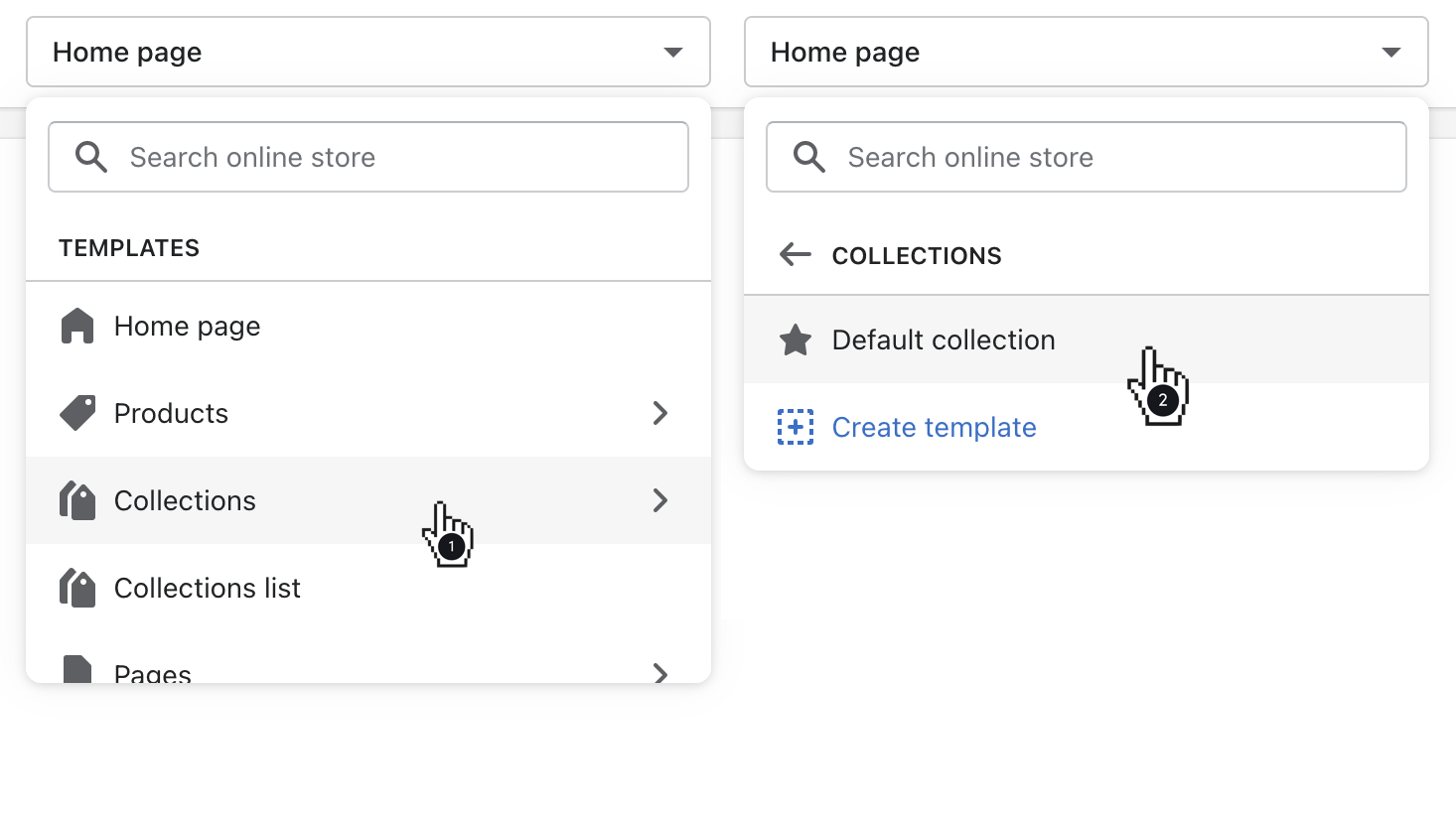
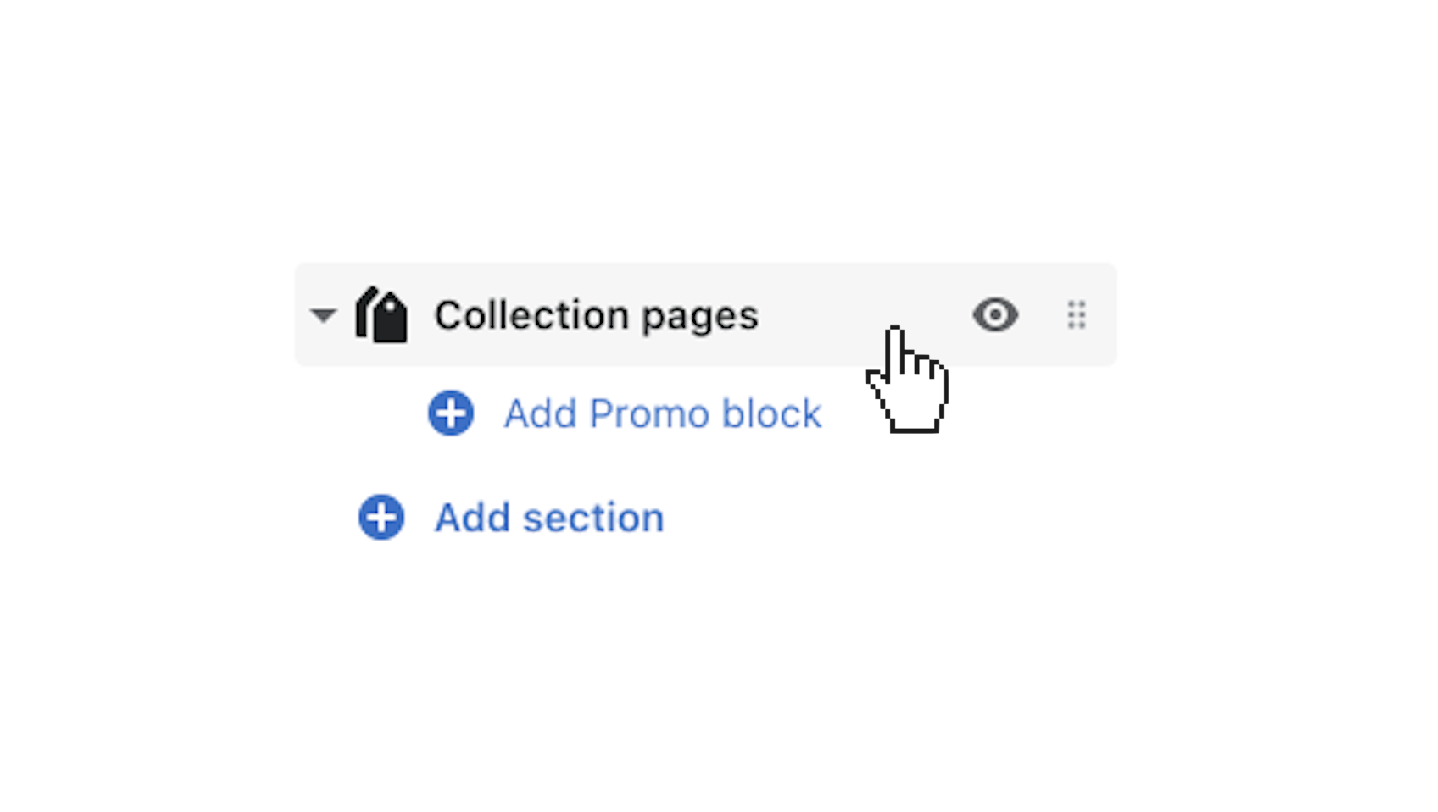
A Collection page displays all of the products in a given collection. Add and configure your collections in your Shopify admin, then use the theme editor to customize the page’s template.
Enable Show breadcrumbs to activate this feature. Breadcrumbs are secondary navigation links that reflect the current page and how the customer got there.
Enable Show collection image to include the collection image at the top of the collection page.
Select the number of Rows (1 to 11) and Number of products per row (2, 3, or 4) using the provided sliders.
Click Enable sorting to add an organization tool for customers to rearrange available products:
Configure filters for your collection pages through the Collection and search filters portion of the Navigation admin.
Include a sidebar menu on collection pages by selecting Enable sidebar, then choose a menu to feature by clicking Select menu.
Safa comes with two distinct pagination styles:
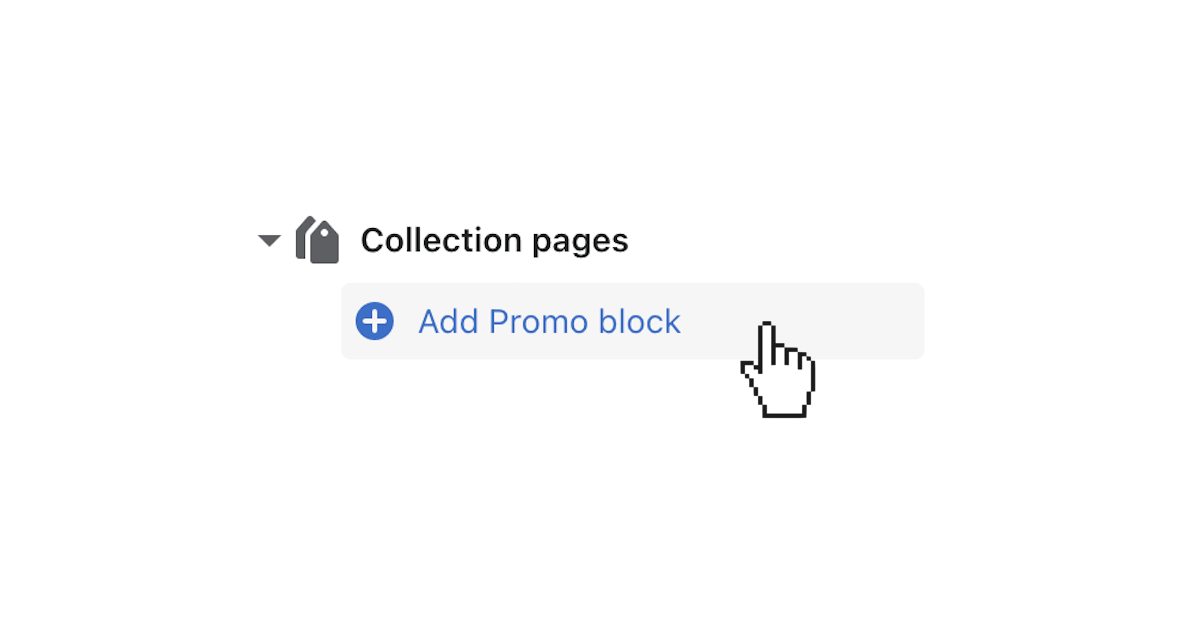
Click (+) Add Promo block to add a customizable block feature to your collection page.