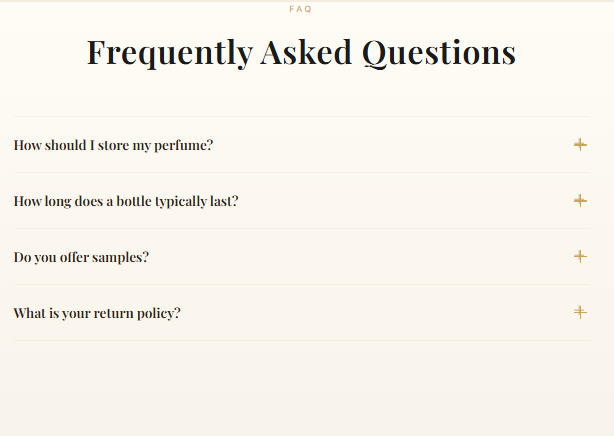
FAQ Page Template

The FAQ (frequently asked questions) page template displays common questions and answers from customers using a dynamic, accordion-style layout.

Add a New Page for the FAQ

  1. In your Shopify admin, go to Pages and create a new page
  2. Add a Title (e.g., “FAQ”)
  3. Select the faq option from the Theme templates dropdown
  4. Click Save
📝 Note: The questions and answers are added outside the Pages admin. You can add Content to appear before the FAQ feature if needed, but to add your questions and answers, navigate to the theme editor.

Open the FAQ Page in the Theme Editor

  1. Navigate to the theme editor (Customize)
  2. Use the page dropdown to select your new FAQ page
  3. You will see a FAQ section in the left sidebar
  4. Open this section to access and edit the questions and answers

Add Customer Questions and Merchant Answers

The theme pre-populates the first three blocks with questions that are commonly included in FAQ pages. Customize these and add more by selecting (+) Add frequently asked question.

For each question block you can configure:

  • Question — The customer’s question text
  • Answer — The merchant’s response
💡 Tip: The accordion-style layout keeps your FAQ page clean and organized. Customers can click on a question to expand the answer, making it easy to find the information they need.

Example FAQ Content