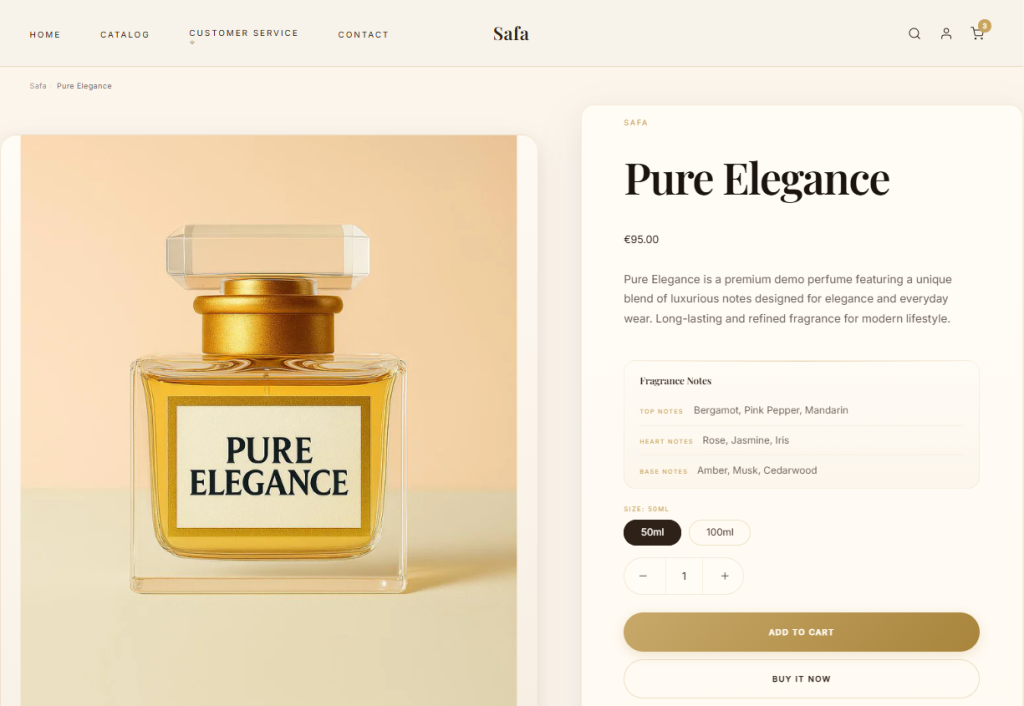
Product pages highlight the features and benefits of individual products. Customize the product page with template settings and page blocks.
Click to open Product pages in the left sidebar to control general settings for the product page.
Use the Product details alignment dropdown to select an alignment style. The Left option aligns product details to the left, while Center aligns to the center.
Configure the product page to Show breadcrumbs by checking the box. Breadcrumbs are secondary navigation links that show the current location of a visitor on your website.
Select one of the four Layout options to position or conceal the thumbnail images:
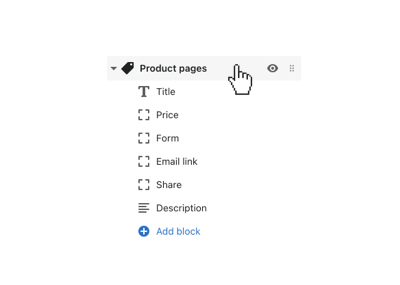
There are blocks for Title, Price, Form, Description, Share, or Email link. Use these to control the layout of the product page features.
Add SKU, Vendor, Text, Fitting guide, and Product rating by selecting (+) Add block.
Add a Text block, then click to open the block’s settings. Use the Position setting to place the text block in the Center (top or bottom) or on the Left or Right of the product page.
Include a button to connect customers with a static page. Select an Icon (Shirt, Ruler, or Info) to pair with the link.