Collection List Section

The Collection List section showcases your collections in an organized grid layout. Help customers discover product categories and browse your store more effectively from any page.

Add this section to: Home page, Product page, Collection page, Static page, Blog post, Blog page, Cart page, Collections list page, Search results page, 404 page, Password page

Adding a Collection List

  1. In the theme editor (Customize), click Add section.
  2. Select Collection list from the available sections.
  3. Position the section on your page by dragging it into place.
  4. Select which collections to feature from the dropdown.
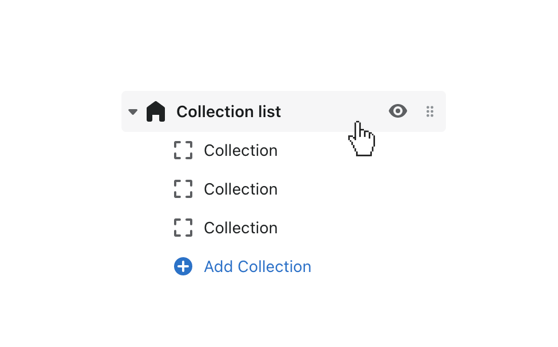
Click the collection list section to customize general settings

Customization Options

  • Heading — Add a title above the collection grid.
  • Collections — Choose which collections to display.
  • Number of collections — Control how many collections appear.
  • Image style — Choose between square, portrait, or landscape thumbnails.
  • Show product count — Display the number of products in each collection.
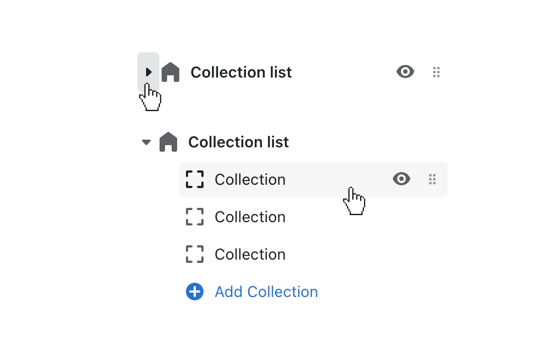
Collection list blocks revealed by clicking the toggle