
The Logo list section is a great way to build social proof by displaying the logos of trusted sources — companies who have promoted your products, publications that have featured you, or brands you carry. Merchants also use this section to display security badges, supplier logos, and payment providers.
Add this section to: Home page, Product page, Collection page, Static page, Blog post, Blog page, Cart page, Collections list page, Search results page, 404 page, Password page
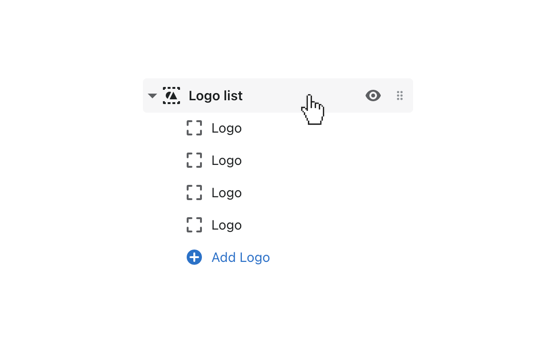
Click the Logo list section to open its general settings.
Include a Heading with the provided field to label the section (e.g. “As Seen In”, “Our Partners”).
If you would like to show a border above your Logo list, check Show border.
Select how many logos you display in a horizontal sequence using the Logos per row range picker.
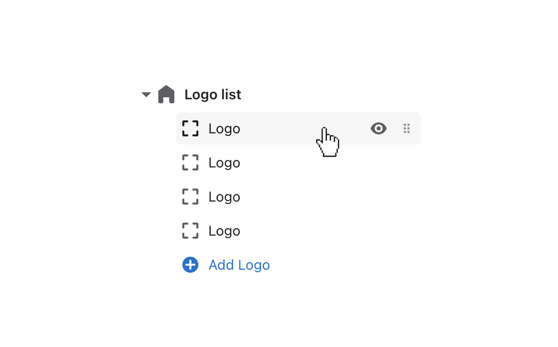
To add a logo, click one of the preset Logo blocks. Add more by selecting (+) Add logo. You can display up to 12 logos in this section.
Click Select image to connect the logo image. Images that are 480px by 480px in JPG format are ideal.
Add a Link URL for each logo to direct customers to another page when clicked.