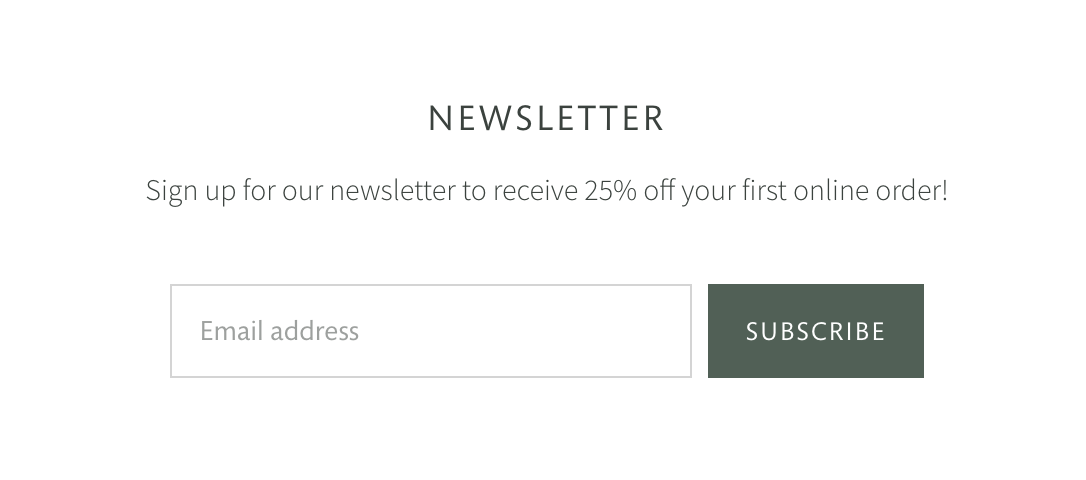
Gather customer emails by adding a Newsletter section to your pages. Emails submitted through this feature will be added to the Customers admin for marketing efforts.
Add this section to: Home page, Product page, Collection page, Static page, Blog post, Blog page, Cart page, Collections list page, Search results page, 404 page, Password page
You can give the section an optional Heading and Subheading. This text content can provide more context for what your Newsletter offers — exclusive deals, perks, events, etc.
If you have a privacy policy in place as a static page, you can link to it from the newsletter text settings. Select the chain-link icon beside the formatting controls to add the link. Don’t have a privacy policy? Use Shopify’s policy generator to create one.
Upload an Image and use the Desktop image alignment (Left/Right) and Mobile image alignment (Top/Bottom) settings to customize its position in relation to the signup field.