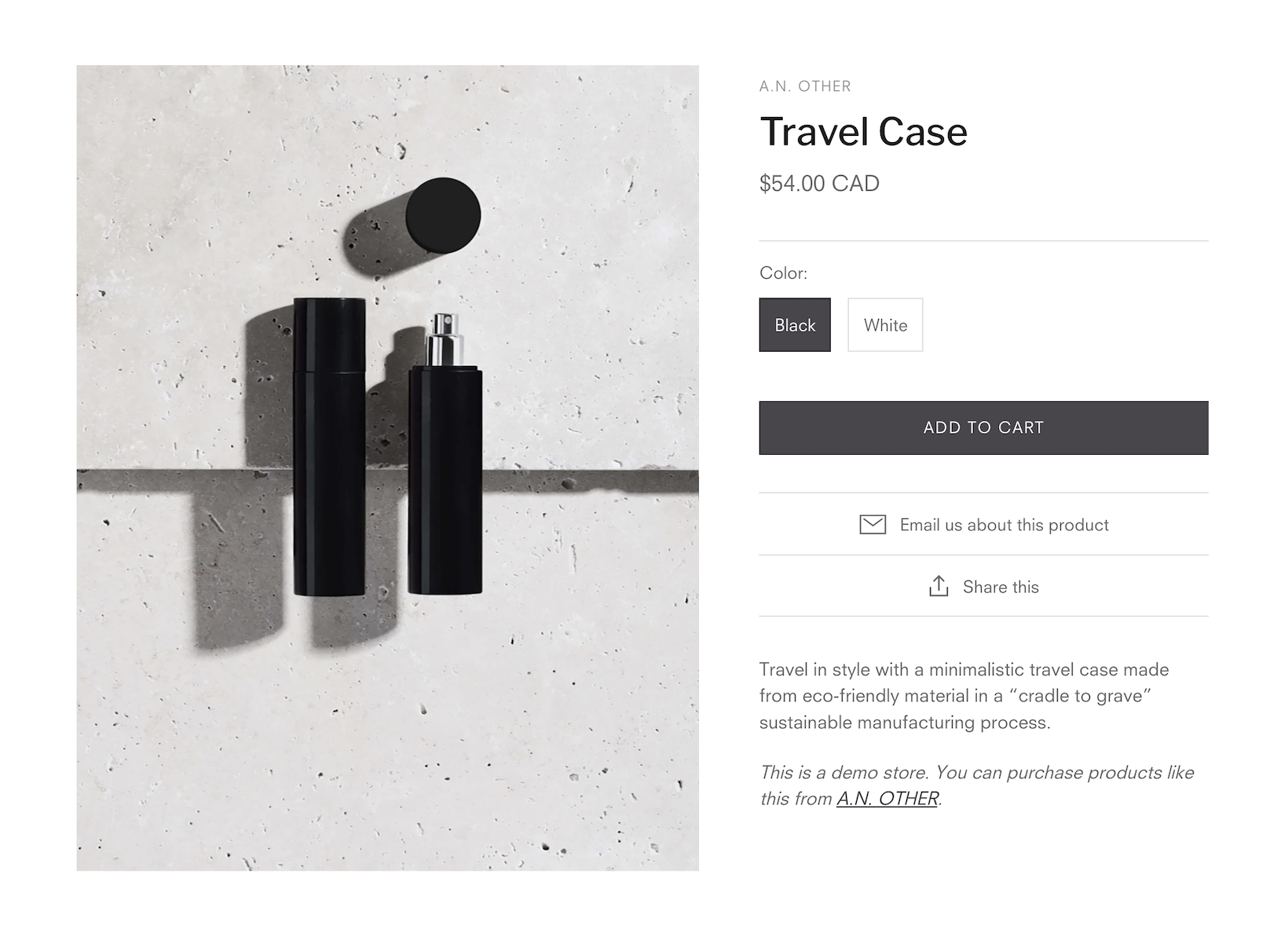
The Safa theme gives you full control over how product images appear on the product page template. You can reorder images, enable zoom, embed videos, and configure image display settings to create the perfect product presentation.
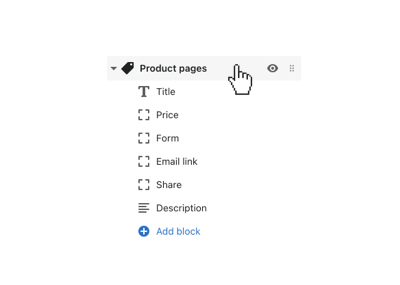
Before customizing product images, navigate to the Product pages settings in the theme editor:
To change which product image appears first:
Enable the image zoom feature to allow customers to inspect product details. When enabled, hovering over the main product image shows a magnified view. Configure this in the theme settings under Product pages > Image zoom.
The Safa theme supports multiple image gallery layouts. You can choose between:
Safa supports embedding product videos directly in the image gallery. Supported formats include: