Featured Collection Section

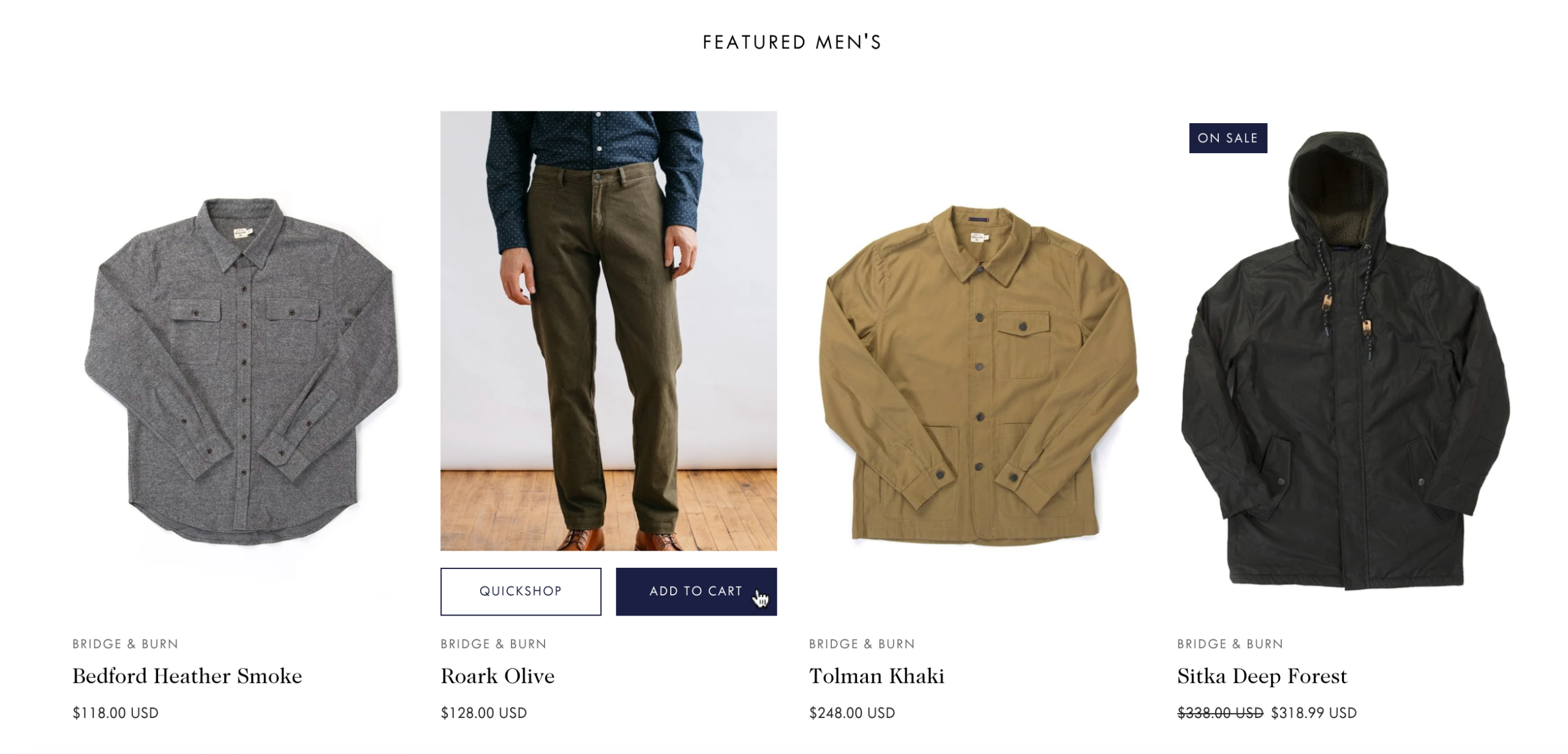
The Featured Collection section displays products from a specific collection in a grid layout. Perfect for showcasing new arrivals, best sellers, or seasonal products on your homepage or any template.

Add this section to: Home page, Product page, Collection page, Static page, Blog post, Blog page, Cart page, Collections list page, Search results page, 404 page, Password page

Featured collection on the Safa demo storefront

Adding a Featured Collection

  1. In the theme editor (Customize), click Add section.
  2. Select Featured collection from the available sections.
  3. Position the section on your page.
  4. Choose which collection to feature from the dropdown menu.
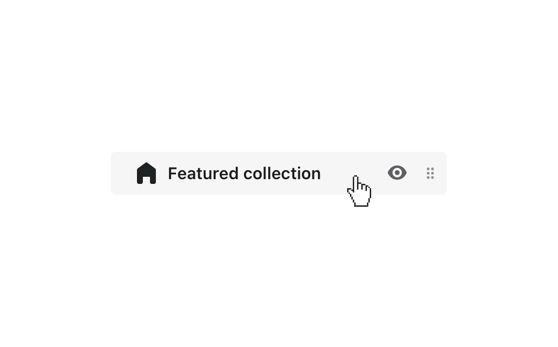
Click the featured collection section to customize its settings

Customization Options

  • Heading — Add a title above the featured products.
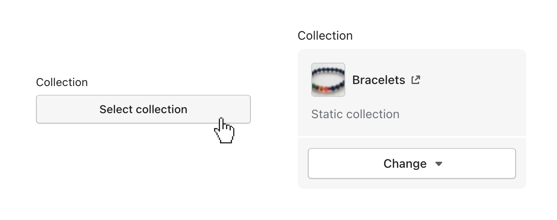
  • Collection — Select the collection to display products from.
  • Number of products — Control how many products are shown.
  • Columns — Choose 2, 3, or 4 product columns.
  • Show vendor — Display the product vendor name.
  • Show price — Display product prices.
  • Show ratings — Display product star ratings if using a review app.
Click select collection to connect it with the block