Featured Product Section

The Featured Product section highlights a single product with its image, title, price, description, and a call-to-action button. Use it to draw attention to a specific item — a best seller, a new arrival, or a product on sale.

Add this section to: Home page, Product page, Collection page, Static page, Blog post, Blog page, Cart page, Collections list page, Search results page, 404 page, Password page

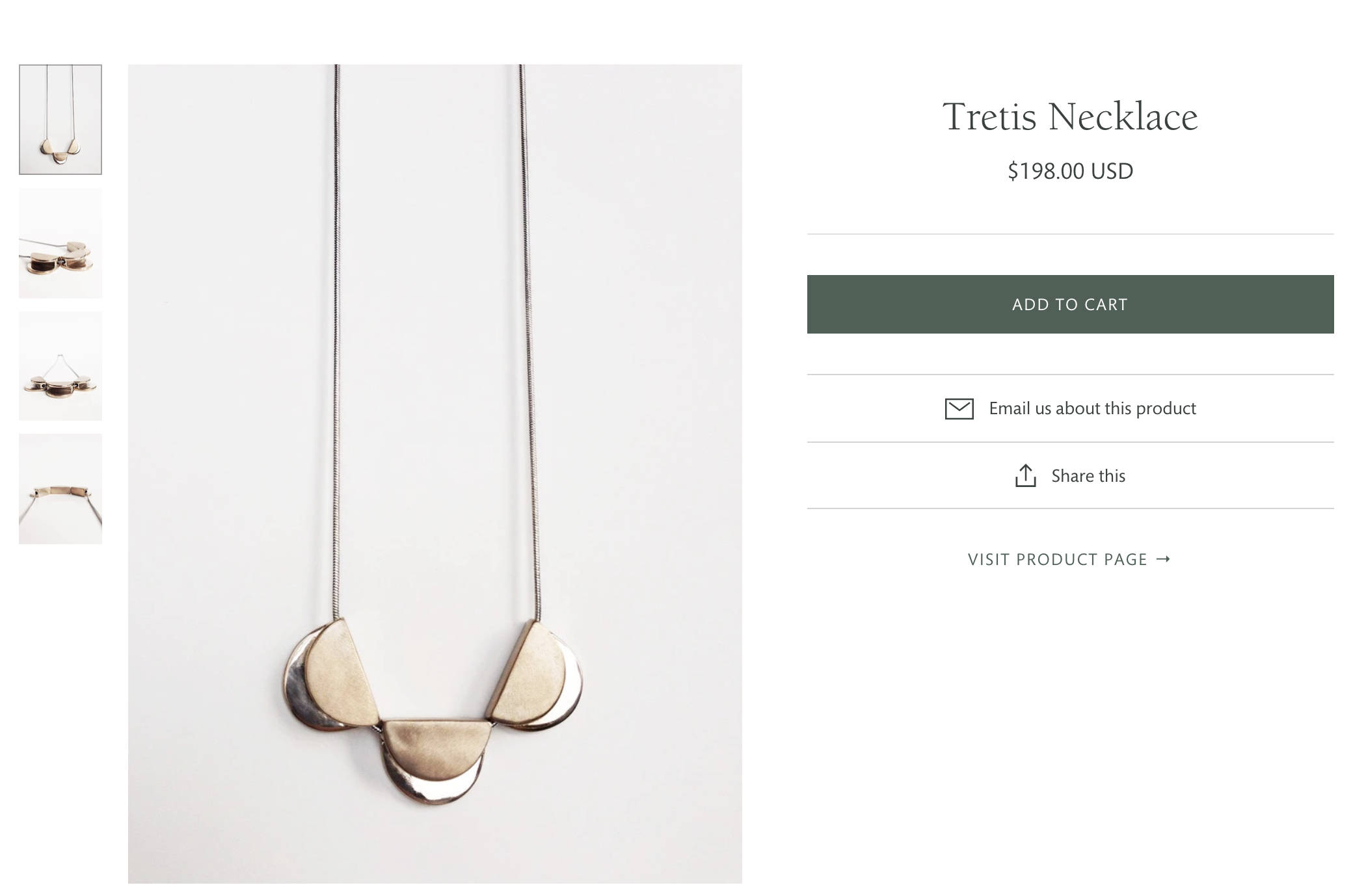
Featured product section displaying a necklace with product details
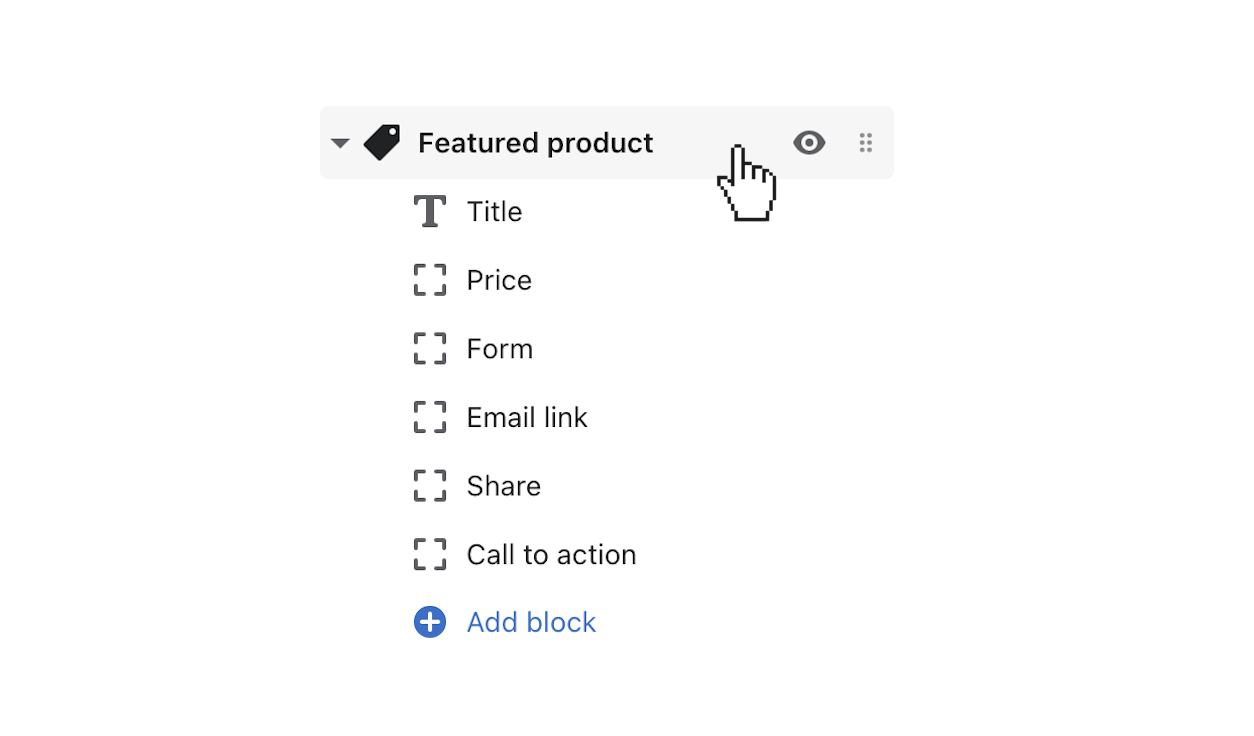
Click featured product to open section settings

Add the Section to a Template

  1. Click Customize to open the theme editor.
  2. Open the template you want to edit and click (+) Add section.
  3. Select Featured product from the list of sections.
  4. Click the section to open its settings.

Customize Section Settings

  • Product — Search for and select the product you want to feature.
  • Heading — Add an optional heading above the featured product.
  • Show vendor — Display the product vendor name.
  • Show price — Display the product price.
  • Show description — Show a short description of the product.
  • Show quantity selector — Let customers choose quantity before adding to cart.
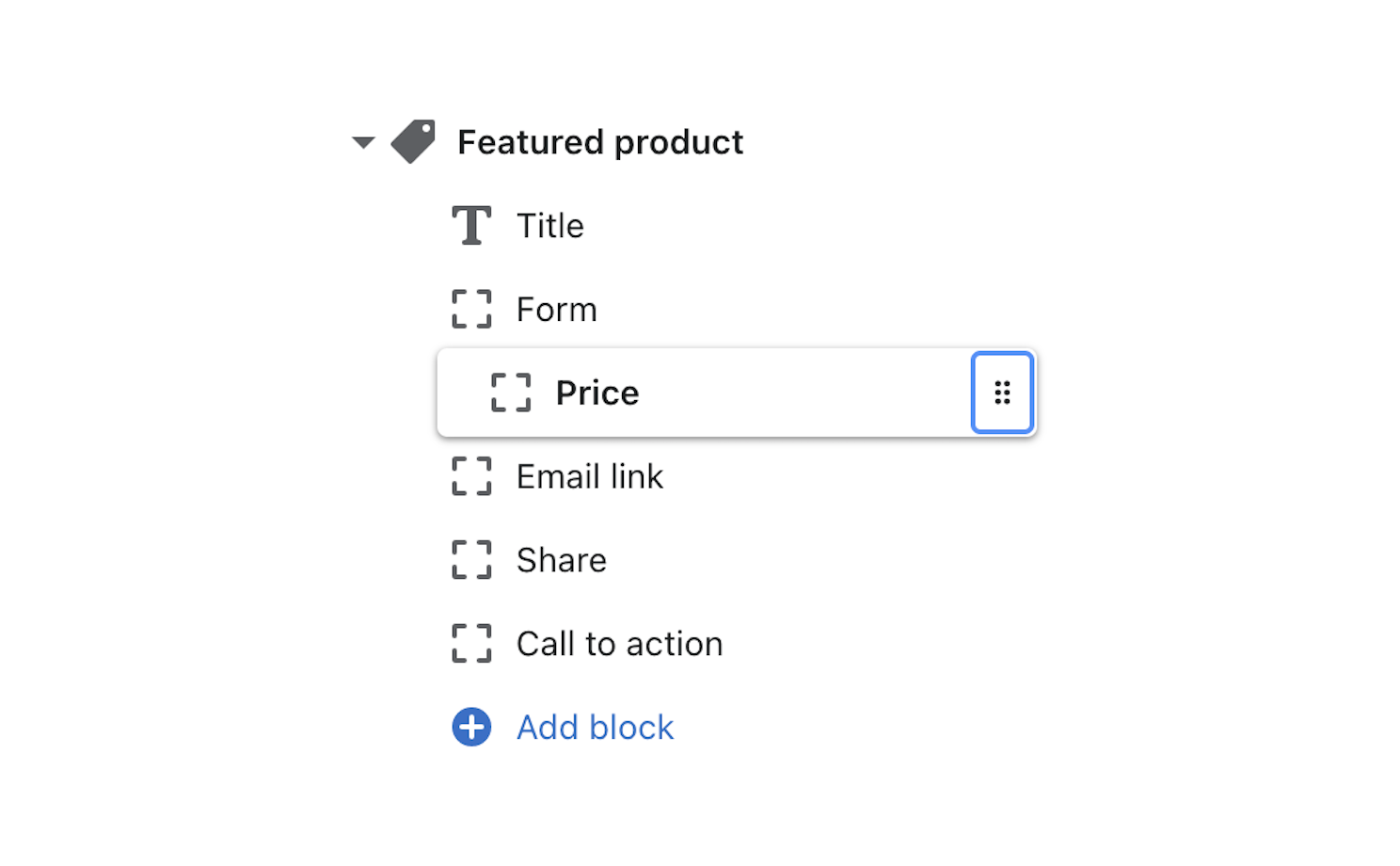
Use blocks to rearrange the featured product section

Using Blocks

The Featured product section uses blocks to arrange content. Click a block to customize its content. Blocks can be rearranged by dragging them in the sidebar.

  • Image block — Controls the product image display with zoom options.
  • Description block — Shows the product description.
  • Buy buttons block — Contains the add-to-cart and dynamic checkout buttons.