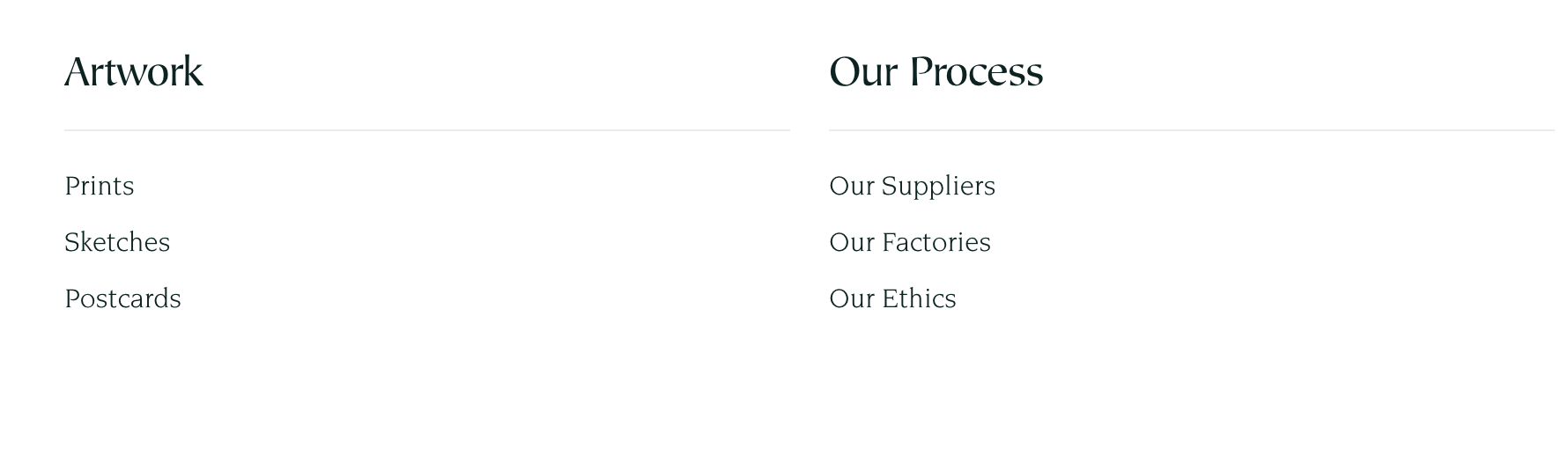
The Menu list section displays sets of navigation menus on a page. The menus displayed here can be separate from your main menu, making it perfect for resource pages, sitemaps, or categorized link sections.
Add this section to: Home page, Product page, Collection page, Static page, Blog post, Blog page, Cart page, Collections list page, Search results page, 404 page, Password page
Click the Menu list section to open its general settings.
Include a Heading with the provided field (e.g. “Shop by Category”, “Resources”).
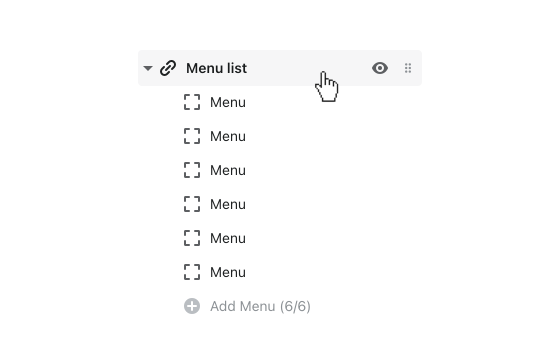
By default, up to 6 Menu blocks will be present in the section. To feature fewer blocks, open a block and select Remove block from the bottom.
To assign a Menu to each block, open the block and click Select menu. To set up menus for this section, first go to Online store > Navigation in your Shopify admin.
Each block features an Image to pair with the menu. To add an image, click Select image. Images that are 360 x 360px in dimension and JPG format are ideal for this section.